How to Install
1) Power down computer and
remove power
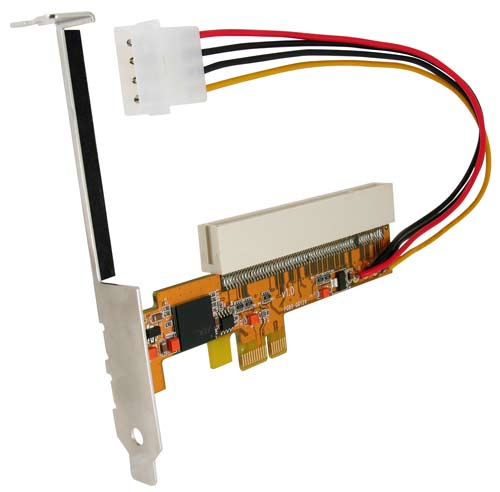
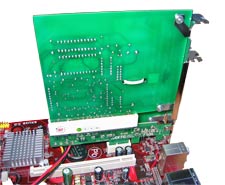
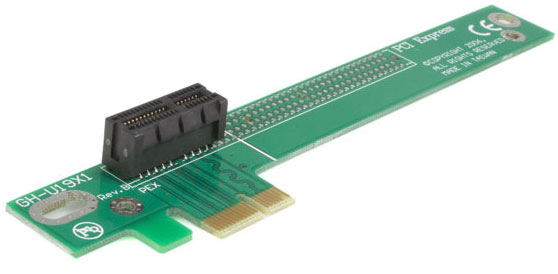
2) Insert the adapter into a
PCI Express slot.
Note: PCIe slots are backwards compatible with smaller PCIe
cards, so a x4 or greater slot can be used.
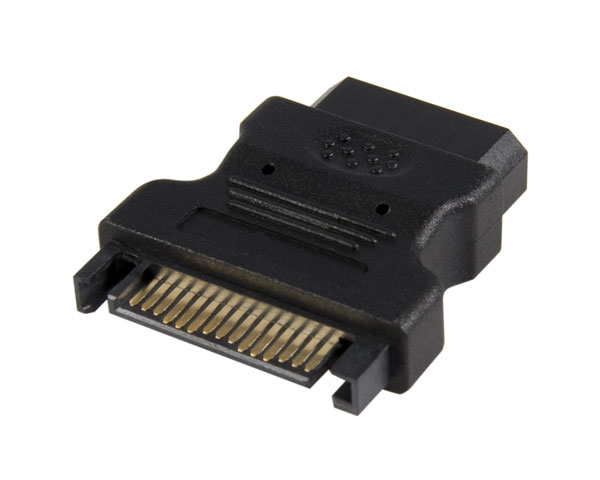
3) Plug the power 4 pin power
connector to the computer's power supply.
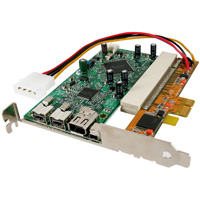
4) Plug the PCI card into the
adapter.
Note: No drivers are needed to install the adapter card. It only
acts as a bridge adapter for the PCI card.
1) Go to the Device Manager:
Windows XP/Vista/Win7/8: Start -> Control Panel
-> System -> Hardware -> Device Manager
Windows 2000/2003: Start -> Settings ->
Control Panel -> System -> Hardware -> Device Manager
2) Click on the plus sign (+) next to "System
Devices."
3) If the
device is installed properly, you will see an additional "PCI
standard PCI to PCI bridge" listed.

If you are
having problems with the Adapter that this page
or our FAQ
page does not address, please contact your reseller.
This product is backed by a one year warranty. Beagle
Software warrants this product against defects in materials and
workmanship for the one year, following the initial date of
purchase. During this period, the products may be returned for
repair, or replacement with equivalent products at our
discretion. The warranty covers parts and labor costs only.
Beagle Hardware does not warrant its products from defects or
damages arising from misuse, abuse, alteration, or normal wear
and tear.